
Reporting a post
The ! button at the bottom of every post reports it to the administrators, and
it is on topics and on replies alike for everyone who is signed in.
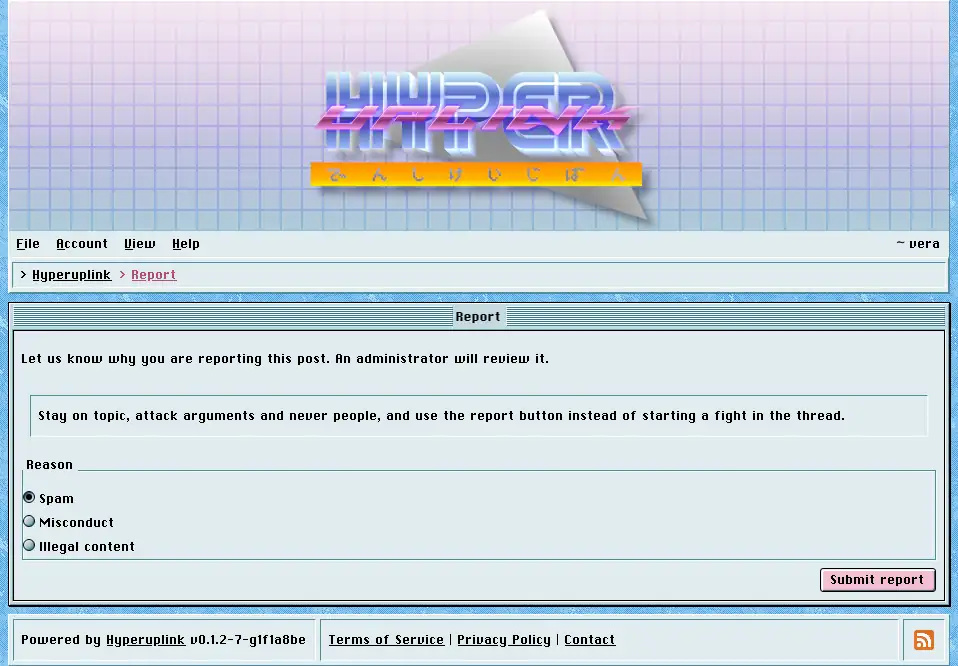
The post you're reporting is quoted back at you, which matters because the button is small and is right next to the reply button, and then you pick a reason: Spam, Misconduct or Illegal content. Submitting takes you back to the post you came from.
You may report a given post once, and a second attempt is rejected with a message saying so, because a report is a flag for an administrator to look at rather than a vote to be stacked.
What happens next is up to whoever runs the board. Reports land in Reports, where an administrator sees the post, its author, who reported it and why.
