
Two-factor authentication
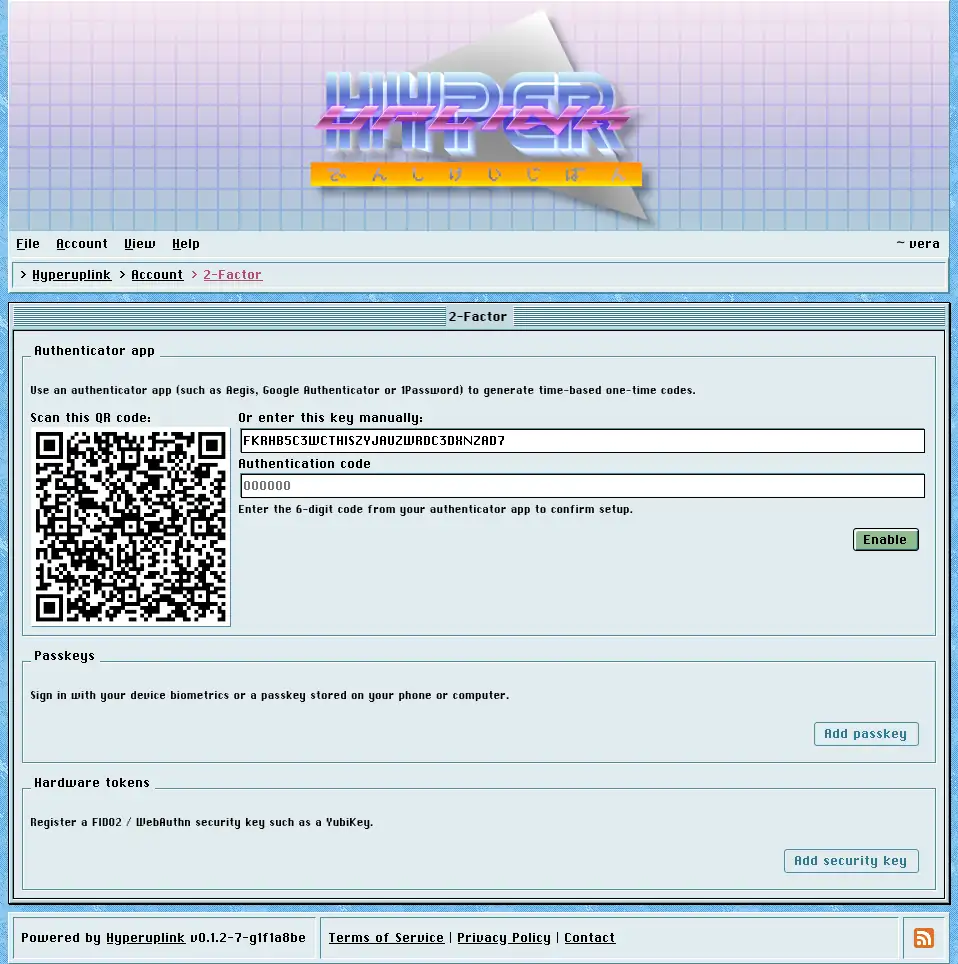
Authenticator app
Two-factor authentication uses time-based one-time codes, which is the ordinary TOTP that Aegis, Google Authenticator, 1Password and every other authenticator implement, and nothing here is specific to this board.
Turning it on means scanning the QR code with your app, or typing the key next to it in by hand where scanning is impractical, and then entering the six-digit code the app produces, to confirm that the app and the board are in sync. The setup is only stored once that code checks out, which is what keeps an account from ending up locked behind a secret that never reached an app. The enrollment expires if you leave it unfinished, and the page then shows a fresh QR code to start over.
From then on, signing in asks for a code after the password, and so does changing your password.
Switching it off asks for your password and not for a code, because someone who has your password and your phone can turn it off either way. Someone with nothing but a borrowed session, however, has neither of the two.
The page itself: Account → Security → 2-Factor
