
Signing up and signing in
Guests can read a board, however posting, voting and reporting all require an account, and the Account menu is where you get one.
Signing up
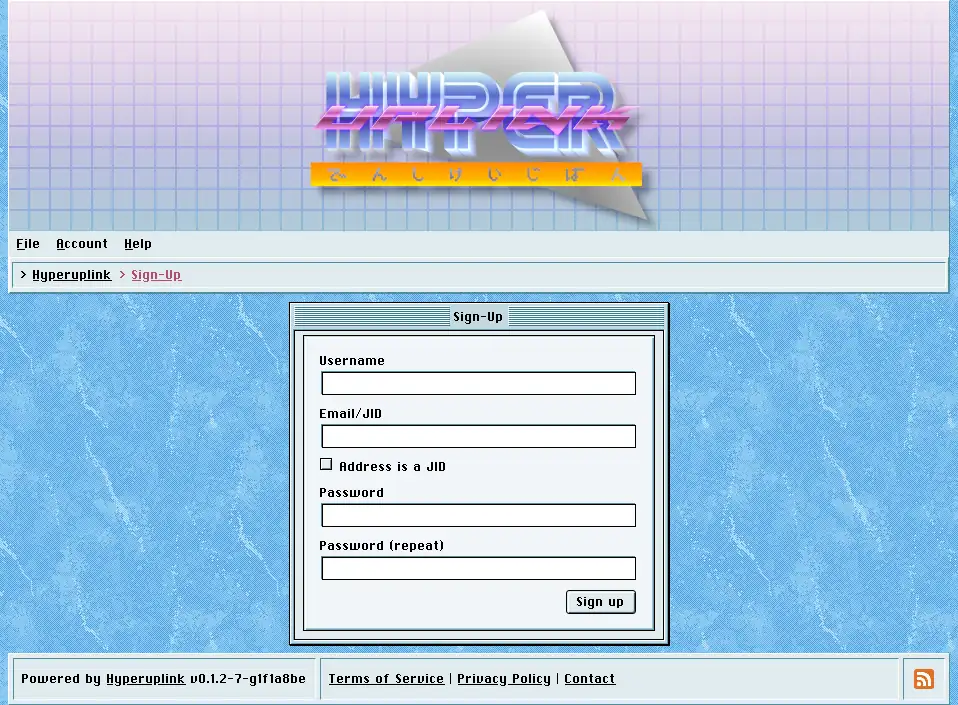
Sign-up asks for a username, an address and a password twice, and what counts as an address depends on what the administrator allowed in Authentication: an email address, a JID (an XMPP address), or either one, in which case the Address is a JID checkbox tells the board how to read what you typed.
Once the form is submitted the board sends a confirmation token to the address you gave it, and the account remains unconfirmed until you enter that token on the confirmation page. If the token never turns up, and email being email it sometimes doesn't, Resend confirmation sends another one.
On a board whose administrator has configured neither email nor XMPP delivery the token unfortunately goes nowhere at all, and the account then waits until an administrator confirms it by hand in Users. Hence an open board needs delivery working before it opens sign-ups.
Signing in
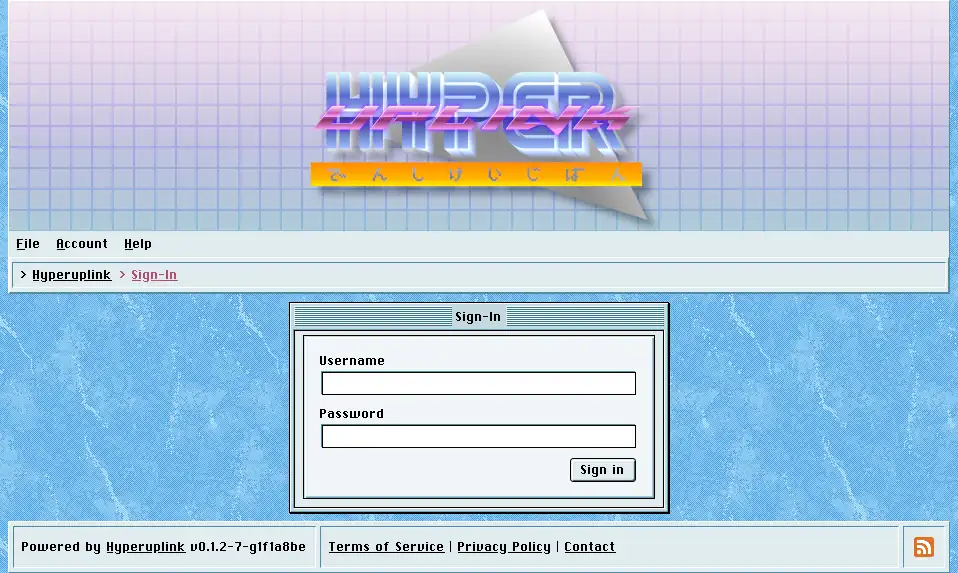
Sign-in takes the username and the password, and never the address. The address is only ever used for confirmation and for notifications.
Where the administrator configured OAuth providers, buttons for them appear underneath the form. Signing in through one of them requires the provider to hand over an email address and to confirm that it has been verified, and a provider that does neither is rejected, because the board would otherwise be trusting an address that nobody ever checked.
Two-factor authentication
If you turned on two-factor authentication, signing in stops after the password and asks for the six-digit code from your authenticator app before it finishes. Too many wrong codes in a row abandon the attempt and send you back to the start.
Signing out
Account → Sign-Out ends the session in the browser you clicked it in, and where you signed in through an external provider it also closes the board's side of that provider's session. Other browsers you're signed in with are left alone, and a session you abandoned on a machine you no longer have stays open until it expires.
