
Authentication
Authentication decides what counts as an address on this board and which outside services may vouch for a visitor.
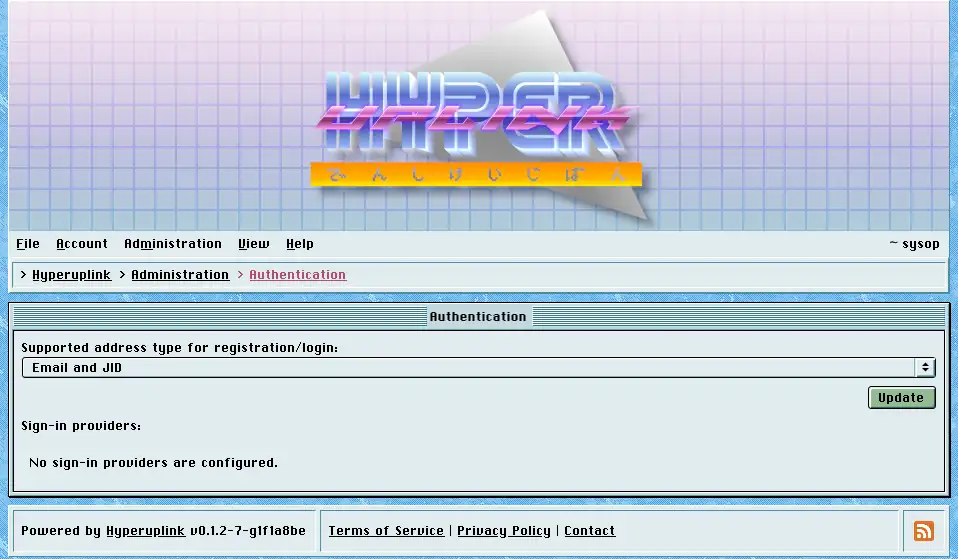
Supported address type
The dropdown decides what sign-up accepts:
- Email address only: the ordinary case.
- Jabber identifier (JID) only: makes the board XMPP-native, and confirmation tokens as well as notifications are then sent over XMPP.
- Email and JID: accepts either of the two, and the sign-up form grows an Address is a JID checkbox so that the user says which one they typed.
Pick the one you can deliver to. An address type the board has no matching target for means confirmation tokens that go nowhere, and an account that cannot be confirmed is an account that cannot be used.
Sign-in providers
The providers listed underneath are the OAuth providers from the board's configuration file, shown with their type, client key and scopes so that you can see what is loaded. They are read-only here, because they're read from that file at startup. The secret field holds a placeholder rather than the real secret, and there is nothing to read out of it.
Where providers are configured, their buttons appear underneath the sign-in and sign-up forms. The board requires a provider to hand over an email address and to confirm that it has been verified, and it rejects the sign-in otherwise. That is the usual reason a configured provider lets nobody in.
The page itself: Administration → Authentication
