
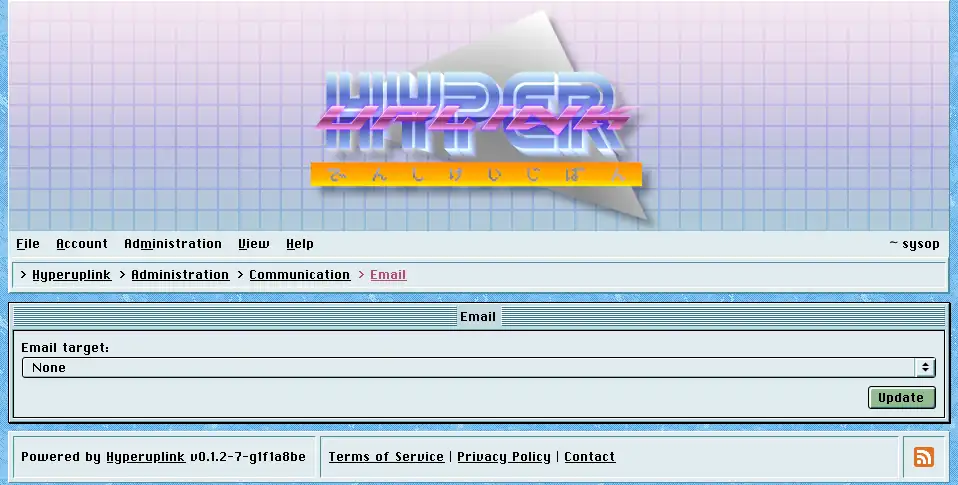
Email target lists every target of type email from the board's configuration file, plus None, and picking one is all this page changes. From then on, confirmation tokens and reply notifications aimed at email addresses go out through that target.
The SMTP server, the authentication type, the TLS policy, the username, the sender address and the sender name underneath are all shown read-only, because they are read from the configuration file at startup and this page reports what got loaded rather than editing it. The password field is filled with a placeholder instead of the real password, and there is nothing to read out of it.
Targets of type debug are listed here as well, and they write the message to a file on disk instead of sending it. That is what you want on a development board, however never on a live one.
The page itself: Administration → Communication → Email
