
Writing topics and replies
File → New opens the editor. If you opened it from within a forum then that forum is already selected and locked, and from anywhere else you pick the forum from the dropdown at the bottom. The menu entry stays grayed out for as long as you have write permission nowhere, which saves you from filling in a form that the board was always going to reject.
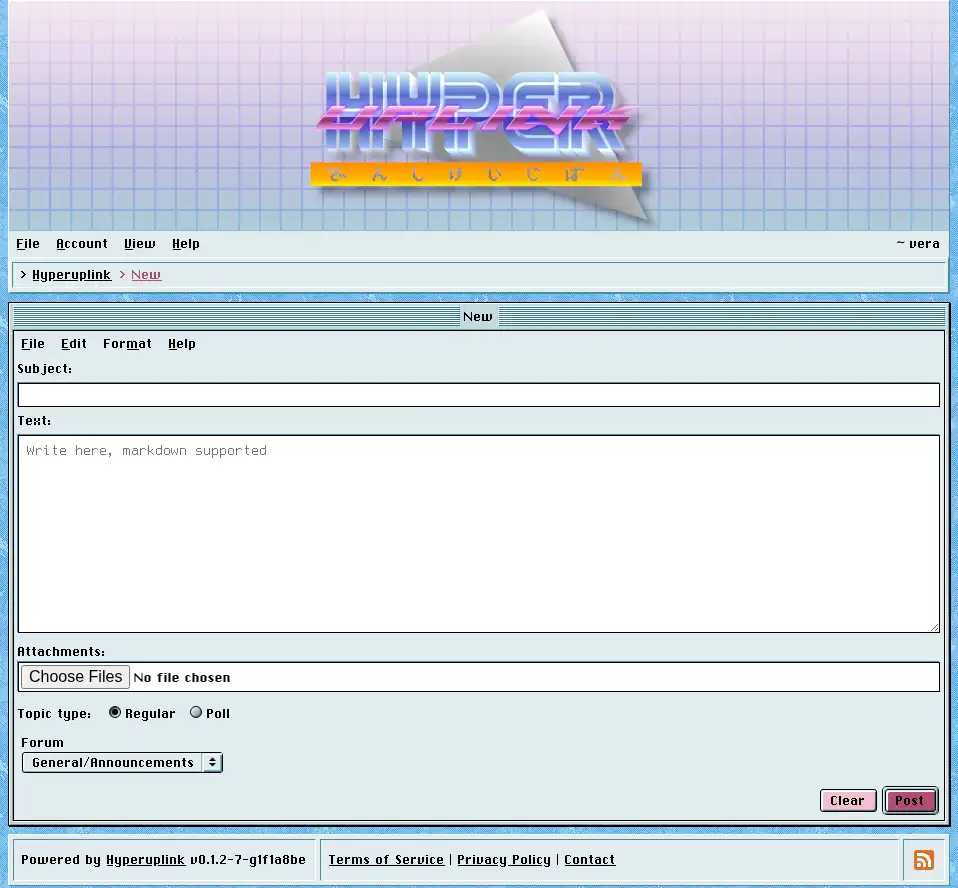
Editor
A topic needs a subject and some text, a reply needs only the text, and both are written in Markdown. Headings, emphasis, lists, links, tables, task lists, strikethrough and fenced code blocks with syntax highlighting all work. Raw HTML is stripped instead of being rendered, which is how one user's post is kept from rewriting another user's page.
The File, Edit, Format and Help menus above the text area are part of the editor window. Since the board runs without JavaScript, formatting is something you type rather than something a toolbar does for you, and the hint underneath the field says so.
Attachments
Where the administrator enabled attachments, a file field appears under the text area and takes several files at once. What you may upload, and how large it may be, is set in Attachments. A file that is too large, of a type that isn't allowed, or a duplicate of something you already uploaded, is rejected with a message saying which of the three it was.
Image attachments show up as links underneath the post. Where the administrator turned on inline image display, however, they're rendered under the post body and the board reads like an image board.
Polls
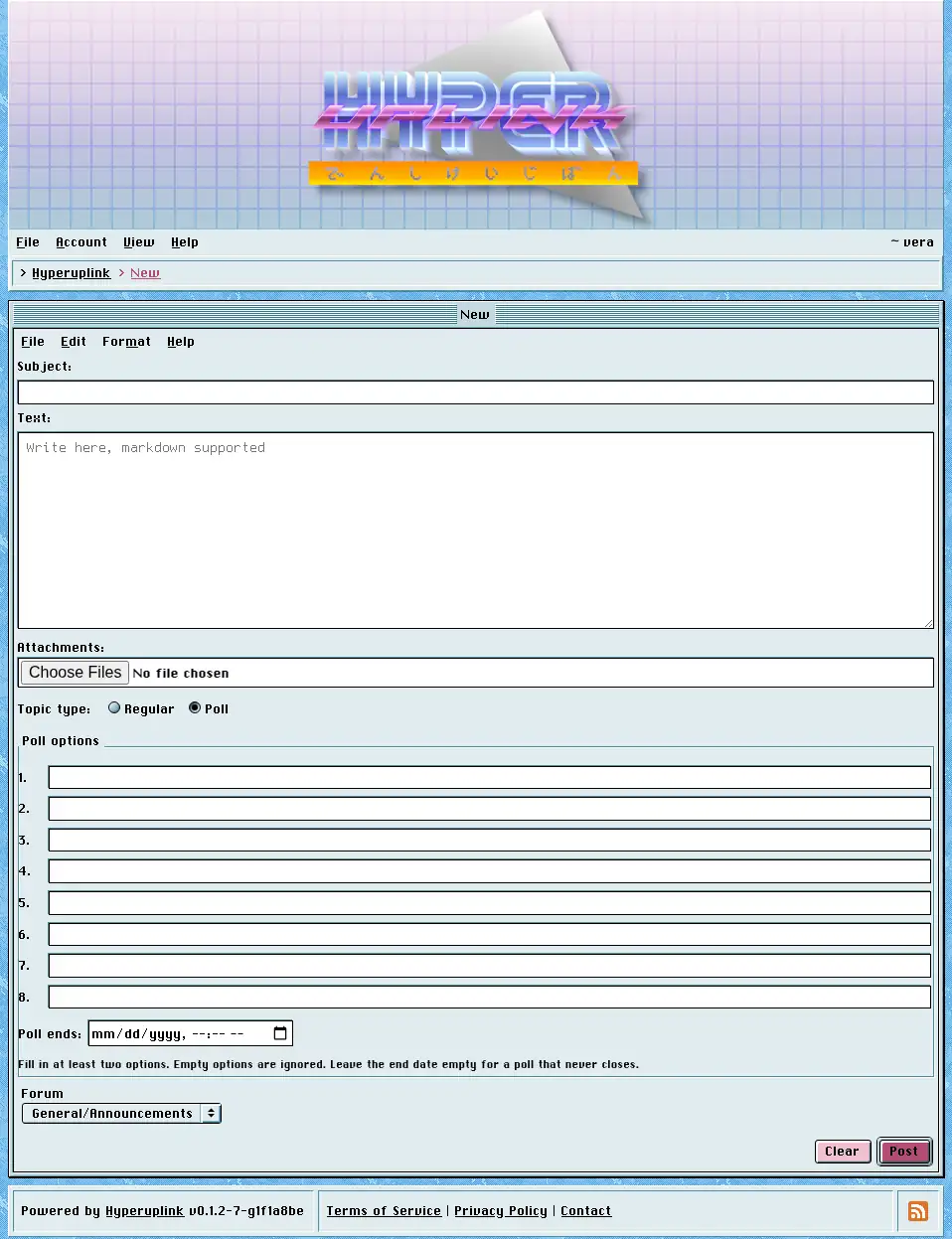
Where poll topics are allowed, a new topic can be a poll instead of a regular one, and choosing Poll under Topic type reveals the option fields. This works without JavaScript, and the fields are always in the page. The radio button merely decides whether you get to see them.
A poll takes between two and eight options, each at most 78 characters, and empty options are ignored instead of counted, so you fill in as many as you need and leave the rest alone. Poll ends is optional, and a poll without an end date never closes. Where you do set one, it is read in your own timezone, meaning the one you picked in Settings.
Replying
The reply editor is at the bottom of every topic you're allowed to write in.
The @ button on a post replies to that post specifically rather than to the
topic as a whole, and the reply is then attached to that post.
Everyone who wrote in a topic is notified when a new reply is posted, provided they left reply notifications on and the board has a way of reaching them. Nobody is notified about their own replies.
The page itself: File → New
