
XMPP
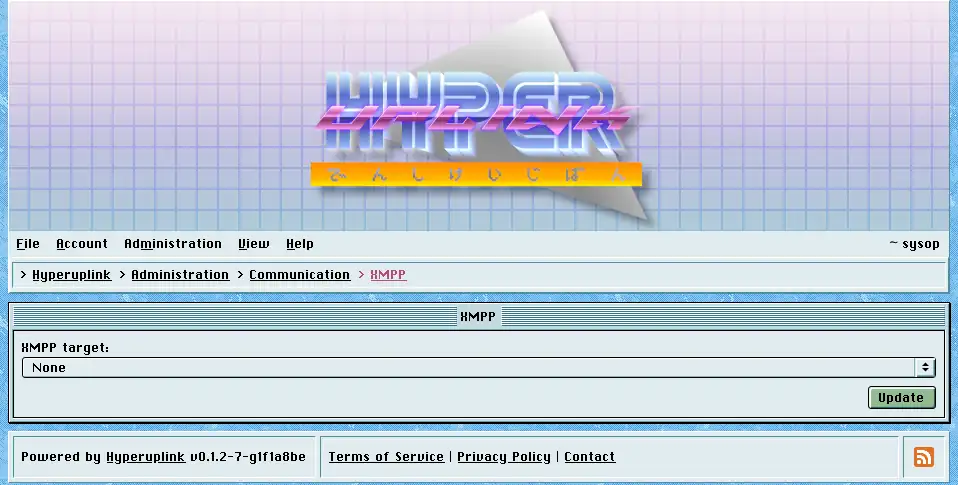
XMPP target works exactly like the email one does, listing the targets of type XMPP from the configuration file plus None, and the target you pick sends confirmation tokens and reply notifications aimed at JIDs. Messages sent over XMPP are plain Markdown, while the email target sends a formatted message, since a chat window is a poor place for a rendered newsletter.
The server, username and password underneath are read-only for the same reason they are on the email page, and the password is a placeholder rather than the real one.
Skip certificate verification
Skip certificate verification reports whether the selected target was
configured with InsecureSkipVerify. Where it says true, anyone able to
intercept traffic between the board and the XMPP server can present a
certificate of their own and
then read or change everything crossing that connection, the account credentials
included.
The flag exists so that a development server holding a self-signed certificate can be reached at all. Health raises it as an issue for exactly this reason, and a live board should have it off.
Connections are made lazily and aren't fatal. A board whose XMPP server is down still starts and still serves, and it fails to deliver until the server comes back.
The page itself: Administration → Communication → XMPP
